

Download Rewind Fastforward Buttons – Fast Firefox Navigation Tool
Overview
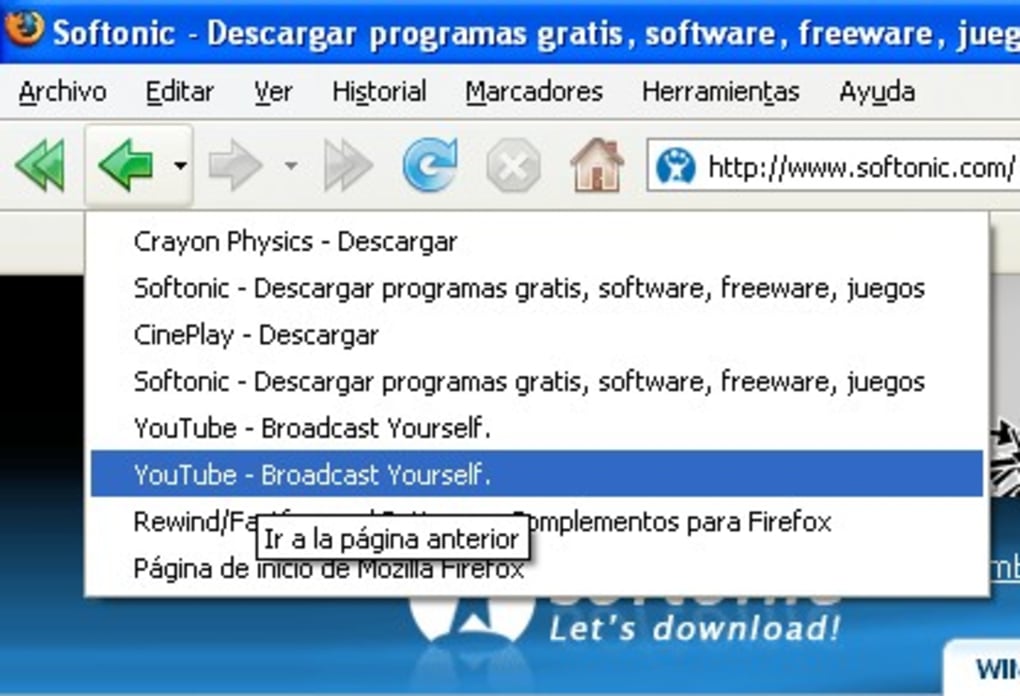
Rewind Fastforward Buttons is a lightweight, free Firefox extension that brings two intuitive navigation controls—Rewind and Fast‑forward—to your browser toolbar. While the classic Back and Forward buttons move you one page at a time, Rewind jumps you back to the last visited domain, and Fast‑forward takes you forward to the next distinct domain in your browsing history. This behaviour is especially handy when you bounce between multiple sites during research, video streaming, or online shopping. Imagine watching a tutorial on YouTube, then briefly checking a news article, and finally landing on a product page. Pressing the regular Back button would send you only to the news article, but a single click on Rewind drops you straight back to YouTube, saving you clicks and mental context‑switching.
The extension is designed with privacy and performance in mind. It does not collect any browsing data, runs silently in the background, and updates automatically through Mozilla’s Add‑on store. Because it integrates directly into the Firefox toolbar, you can keep your workflow smooth without opening new tabs or windows. Whether you’re a power user who navigates dozens of sites per hour or a casual browser who occasionally hops between domains, Rewind Fastforward Buttons provides a simple yet powerful way to accelerate your web experience.
Key Features
- Domain‑level rewind: Instantly return to the previous domain, bypassing intermediate pages.
- Domain‑level fast‑forward: Move forward to the next distinct domain in your history stack.
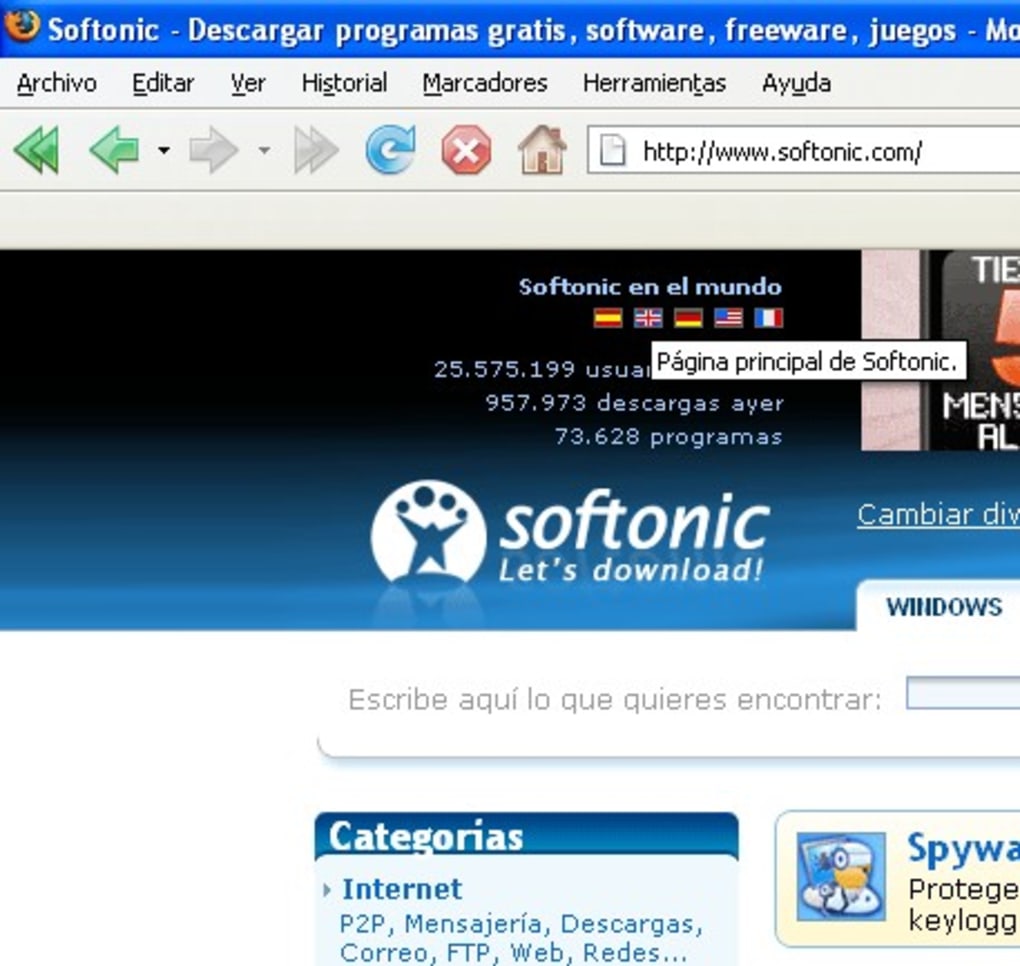
- Toolbar integration: Two extra buttons appear beside the native Back/Forward controls for immediate access.
- Zero‑tracking design: No personal data is stored or transmitted; the extension respects your privacy.
- Automatic updates: Receives seamless updates via Mozilla’s Add‑on ecosystem.
- Lightweight footprint: Consumes less than 1 MB of RAM, ensuring Firefox remains fast.
- Customizable shortcuts: Assign keyboard shortcuts for Rewind and Fast‑forward through Firefox’s shortcut manager.
- Cross‑platform support: Works on all operating systems that run Firefox, including Windows, macOS, and Linux.
Each feature has been engineered to reduce the friction of multi‑site browsing. The Rewind button, for example, evaluates your history stack and identifies the most recent URL whose domain differs from the current page. This logic prevents you from getting stuck in a loop of similar pages and gets you back to the context you truly want. Likewise, Fast‑forward mirrors this behaviour in the forward direction, letting you resume a browsing session after you’ve taken a detour. The result is a smoother, more purposeful navigation flow that feels natural after just a few uses.
Installation, Usage & Compatibility
Step‑by‑Step Installation
- Open Firefox and navigate to the Rewind Fastforward Buttons add‑on page.
- Click the Add to Firefox button.
- Confirm the permissions prompt— the extension only needs access to your browsing history to function.
- After installation, you’ll see two new icons (⟲ and ⟳) appear to the right of the standard Back/Forward buttons.
- Optionally, open
about:addons, locate the extension, and click Preferences to set custom keyboard shortcuts or toggle the toolbar visibility.
How to Use the Buttons
Using Rewind Fastforward Buttons is as intuitive as clicking any other toolbar button. When you’re on a page and want to return to the previous domain, simply click the Rewind (⟲) icon. Firefox will instantly load the last page that belongs to a different domain, preserving your scroll position if the target site supports it. If you wish to move forward after a rewind, click the Fast‑forward (⟳) icon, and the extension will bring you to the next distinct domain you visited before the rewind.
For power users, you can assign shortcuts such as Alt+Left Arrow for Rewind and Alt+Right Arrow for Fast‑forward via about:addons → Preferences → Keyboard Shortcuts. This eliminates mouse clicks entirely and makes domain‑level navigation a single keystroke away.
Operating System Compatibility
Rewind Fastforward Buttons is compatible with all desktop operating systems that support the latest Firefox releases, including:
- Windows 10, 11 (64‑bit)
- macOS 12 Monterey and newer
- Linux distributions with Firefox (Debian, Ubuntu, Fedora, etc.)
The extension does not require any additional software or libraries, making it a truly cross‑platform tool. Mobile Firefox on Android or iOS does not currently support toolbar extensions, so Rewind Fastforward Buttons is limited to desktop browsers at this time.
Pros & Cons
Pros
- Speeds up navigation by skipping intermediate pages.
- Preserves privacy – no data collection.
- Lightweight and does not affect browser performance.
- Works seamlessly on Windows, macOS, and Linux.
- Customizable shortcuts for keyboard‑centric users.
- Free and open to automatic updates via Mozilla.
Cons
- Only available for desktop Firefox; no mobile support.
- Relies on browsing history – clearing history resets functionality.
- Limited to domain-level jumps; cannot skip within the same site.
Frequently Asked Questions
Can Rewind Fastforward Buttons be used in private browsing mode?
Yes, the extension works in Firefox’s Private Browsing windows. However, because private mode does not retain history after the session ends, the Rewind and Fast‑forward buttons will only navigate within the current private session.
Does the extension affect page load speed?
No. Rewind Fastforward Buttons runs a lightweight script that only accesses the browser’s history API. It consumes less than 1 MB of RAM and does not interfere with page rendering or network requests.
Is my browsing data collected or sent to a server?
No. The extension is built with a strict privacy‑first approach. All calculations are performed locally, and no data leaves your computer.
Can I disable the Rewind button for specific sites?
Currently the extension applies globally, but you can manually disable it for a session by clicking the toggle switch in the add‑on’s preferences. Future updates may include per‑site rules.
How often does the extension receive updates?
Updates are released whenever Mozilla approves a new version, typically every few months. The add‑on automatically checks for updates and installs them without user intervention.
Conclusion & Call to Action
Rewind Fastforward Buttons fills a niche that many Firefox users didn’t even realize they needed. By allowing domain‑level jumps, it reduces the number of clicks required to get back to the content that truly matters, whether you’re juggling research sources, watching tutorials, or comparing products across multiple sites. The extension’s free price tag, tiny memory footprint, and strict privacy stance make it a risk‑free addition to any Firefox setup. If you spend even a few minutes each day hopping between domains, you’ll quickly notice a measurable boost in productivity.
Ready to streamline your browsing? Download Rewind Fastforward Buttons now and experience a smoother, faster web navigation experience. Don’t let unnecessary back‑clicks slow you down—install the tool today and reclaim your browsing efficiency.







